Real Page Budget Creation/Distribution
1. Navigate to https://bellairemultifamilymgmtllc.onesite.realpage.com/ui/accounts/#/accounts-list/find-accounts

2. Click "|All Properties"
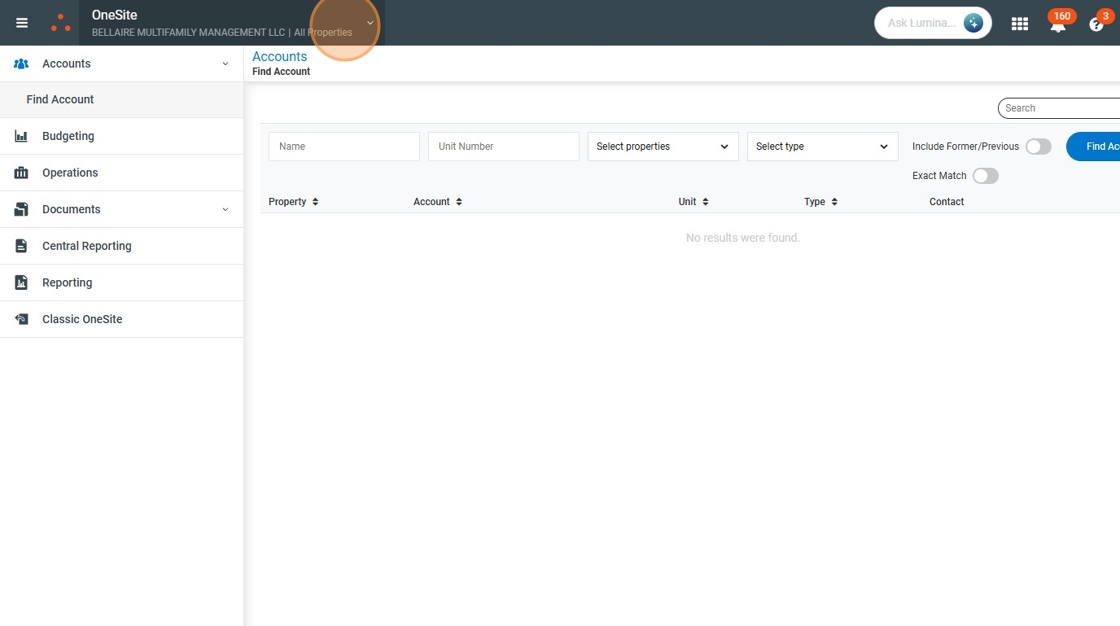
3. Click "All Properties"

4. Click "Budgeting"

5. Click "Budgeting Admin"

6. Click "Manage Chart of Accounts"
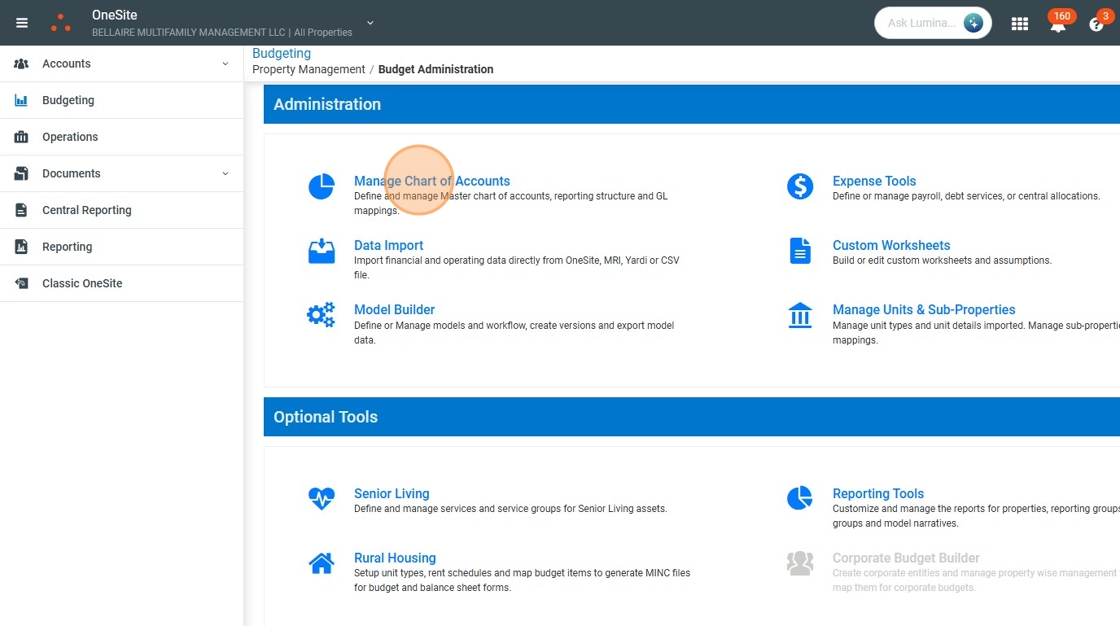
7. Click "BMM COA"

8. Click "Properties"

9. Click here.
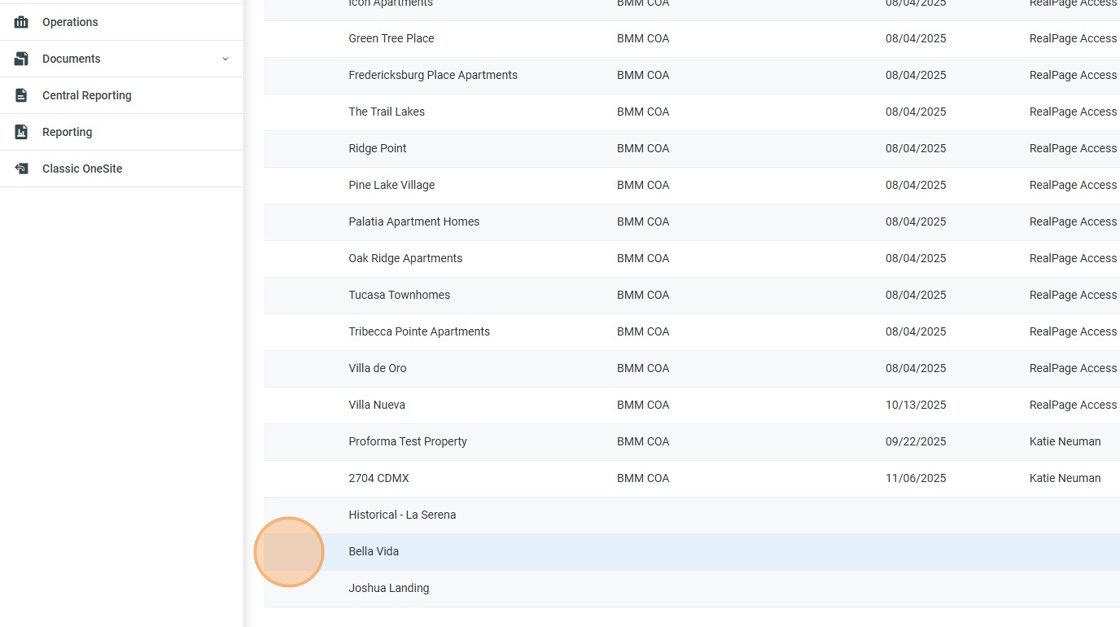
10. Click "Edit"

11. Click this checkbox.

12. Click "Clone"

13. Click "Continue"

14. Click "Save"
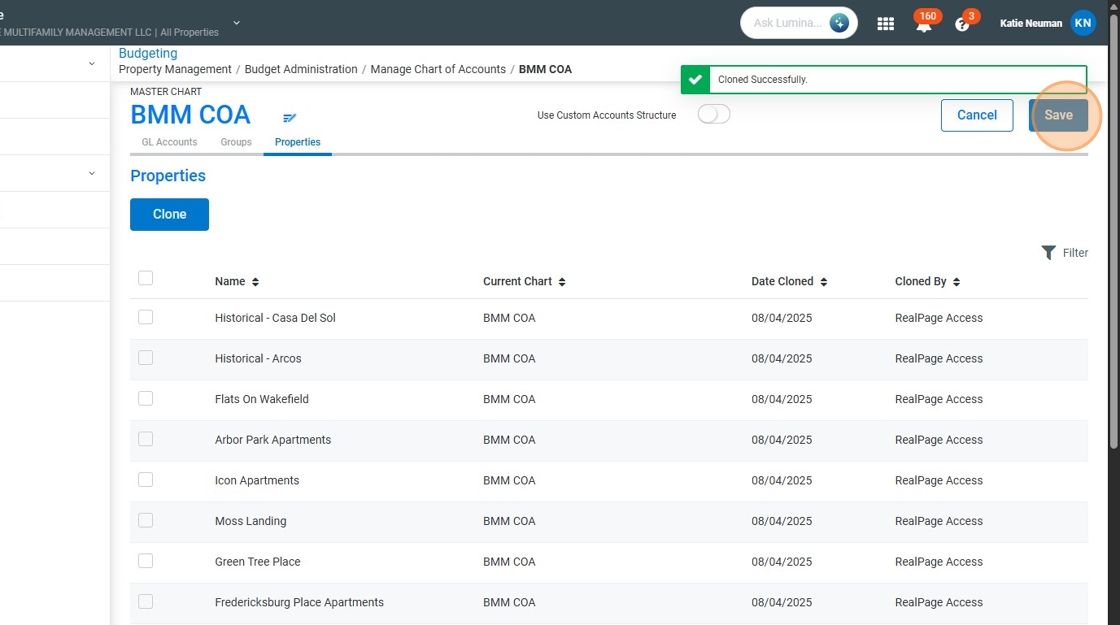
15. Click "Model Builder"

16. Click here.

17. Click "Edit"

18. Click "Assign to Properties"
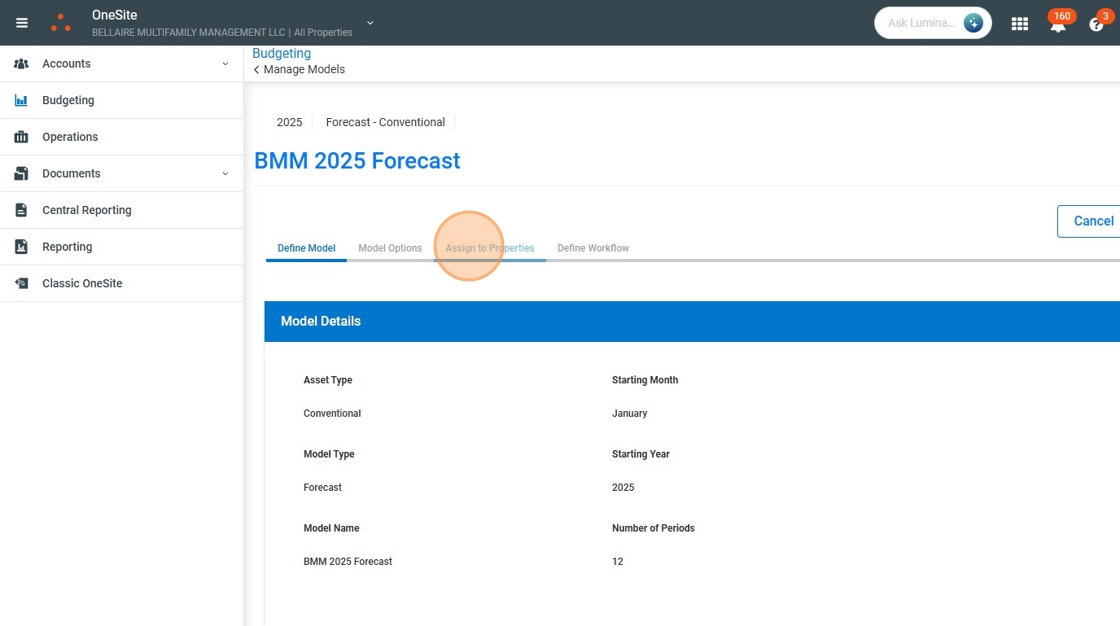
19. Click "Add Property"

20. Click this checkbox.

21. Click "Select"

22. Click "Save"

23. Click here.
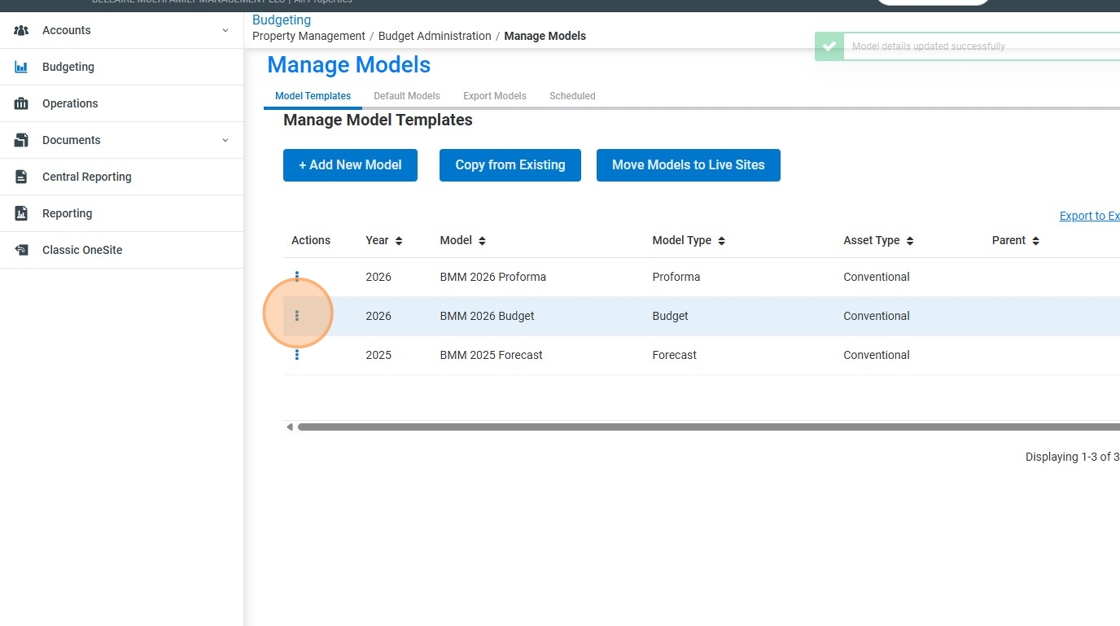
24. Click "Edit"

25. Click "Cancel Save"

26. Click "Assign to Properties"

27. Click "Add Property"

28. Click this checkbox.

29. Click this checkbox.

30. Click "Select"

31. Click "Save"

32. Click here.

33. Click "Distribute"

34. Click here.

35. Click this checkbox.

36. Click "Distribute"

37. Click here.

38. Click "Distribute"

39. Click here.
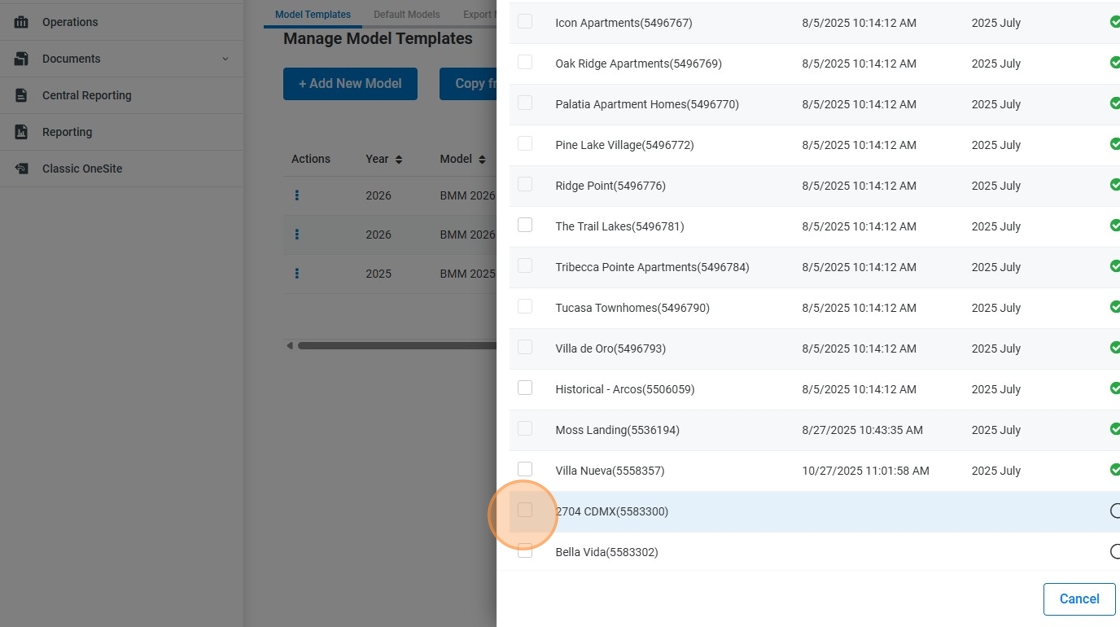
40. Click this checkbox.

41. Select the "2025 October" option.
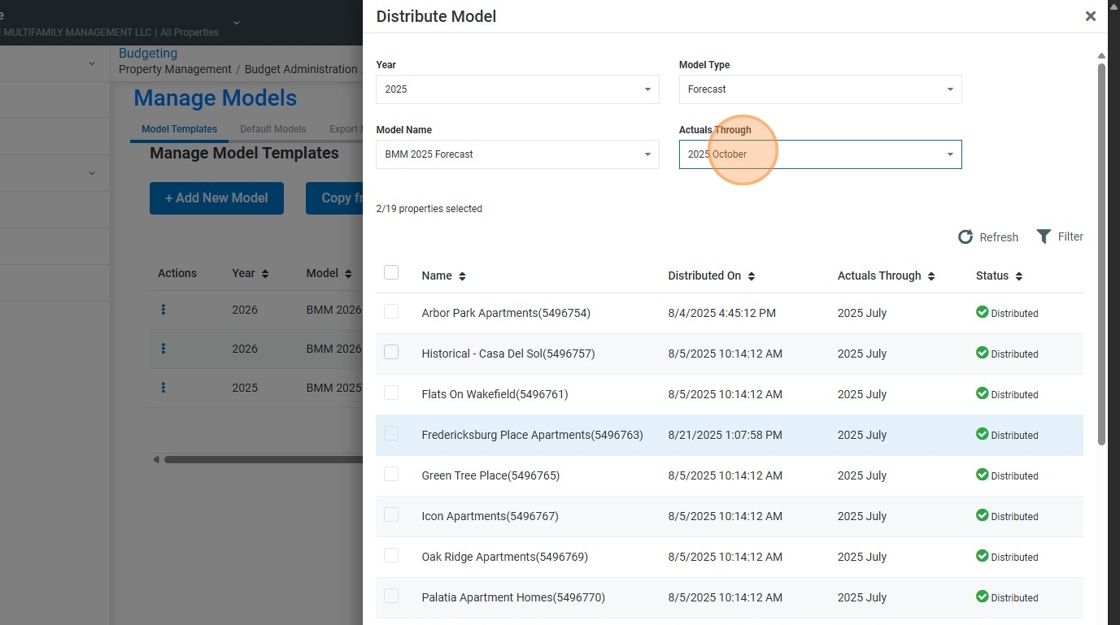
42. Click "Distribute"

43. Click "Data Import"
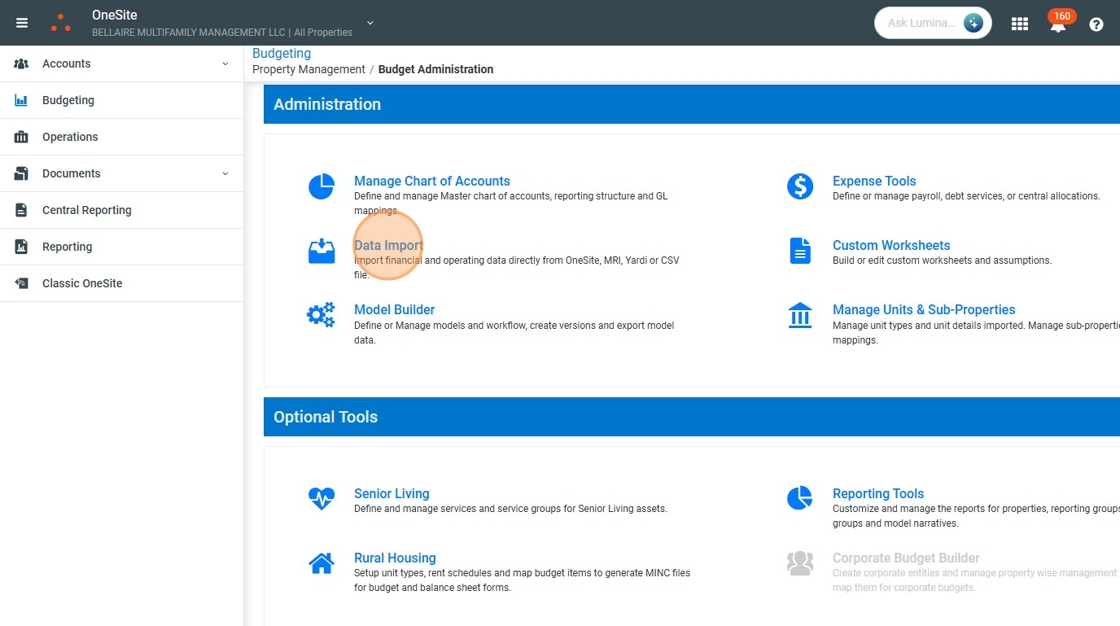
44. Click "Single Property Import"

45. Select the "2704 CDMX(5583300)" option.

46. Click this text field.

47. Type "2025"
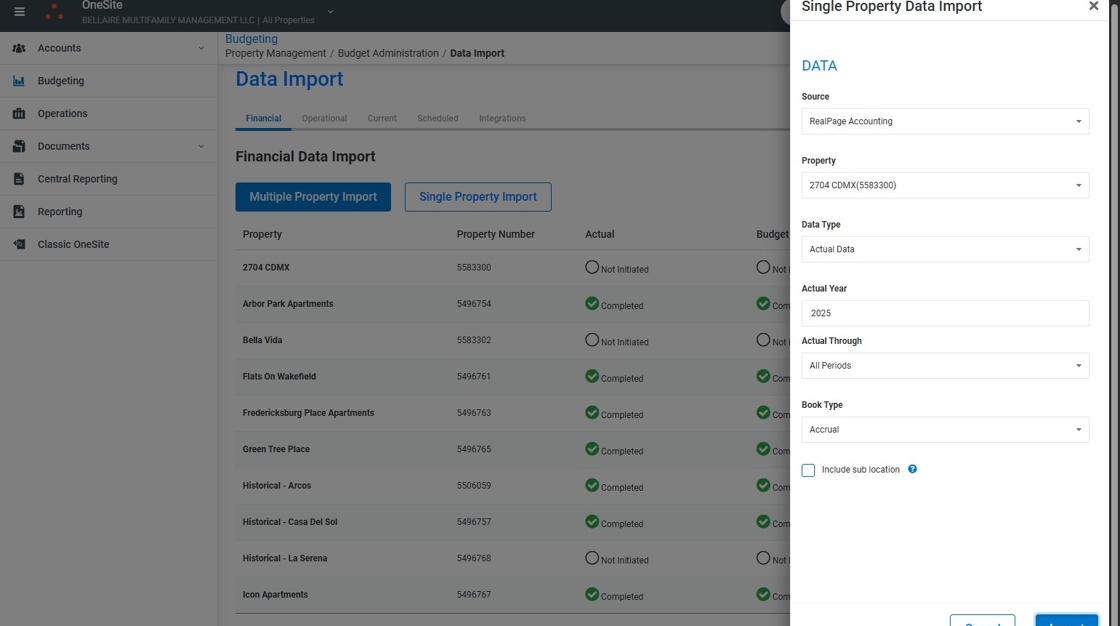
48. Click "Submit"

49. Click "OneSite"

50. Click "2704 CDMX"

51. Click "Budgeting"

52. Click "Models 2704 CDMX(5583300)"

53. Click "BMM 2026 Budget"

54. Click "Account by Account"

Was this article helpful?
That’s Great!
Thank you for your feedback
Sorry! We couldn't be helpful
Thank you for your feedback
Feedback sent
We appreciate your effort and will try to fix the article