How To: View Tenant Screening Results and Reports
1. Navigate to https://bellairemultifamilymgmtllc.onesite.realpage.com/ui/accounts/#/account-profile/499/overview

2. Click "Lease Details"
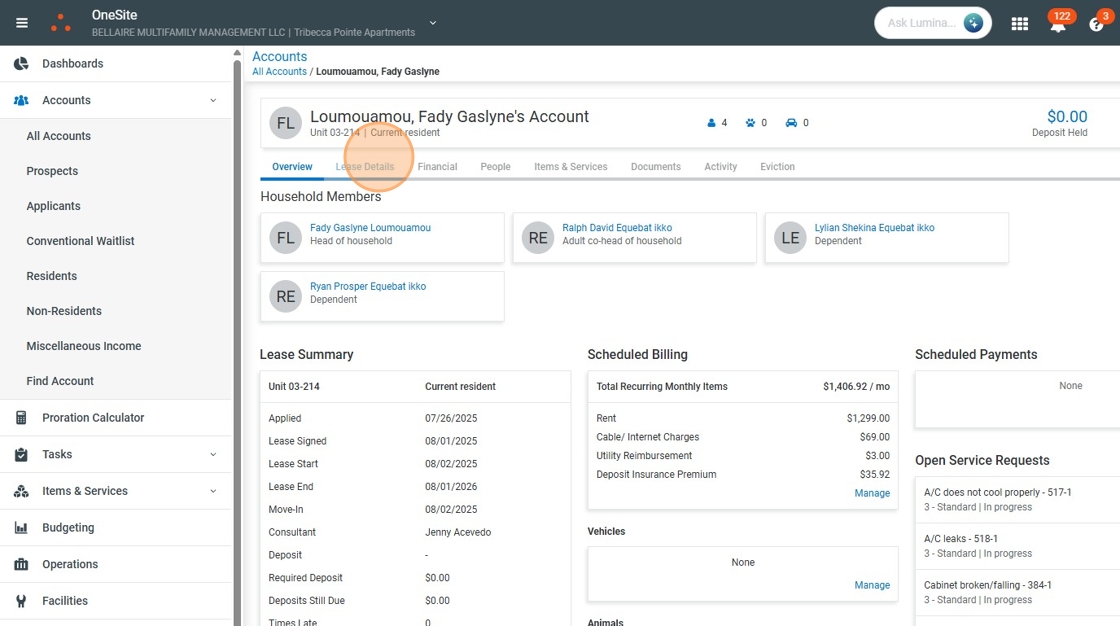
3. Click "Screening"

4. Click here.

5. Click "View Result"

6. Click "Detailed Report"

7. Click here.

8. Click "View"

9. View SSN

10. Click "Close"

11. Click here.

12. Click "View"
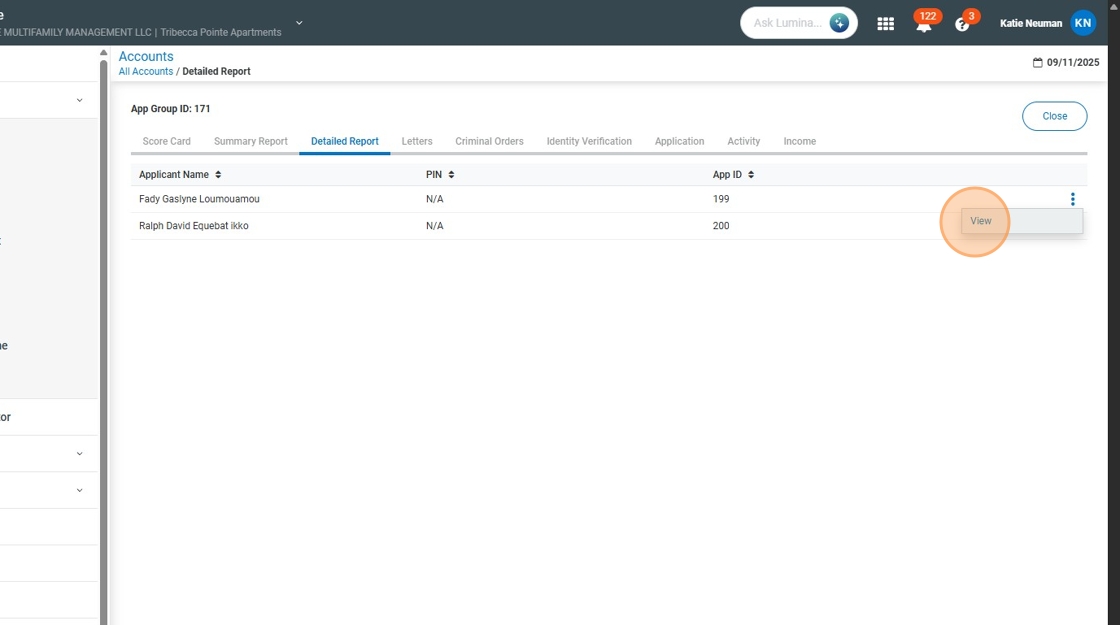
13. View SSN

14. Click "Close"

Was this article helpful?
That’s Great!
Thank you for your feedback
Sorry! We couldn't be helpful
Thank you for your feedback
Feedback sent
We appreciate your effort and will try to fix the article