How to Update Accounting Month End Date Settings
1. Navigate to https://www.realpage.com/home/

2. Click "Home"
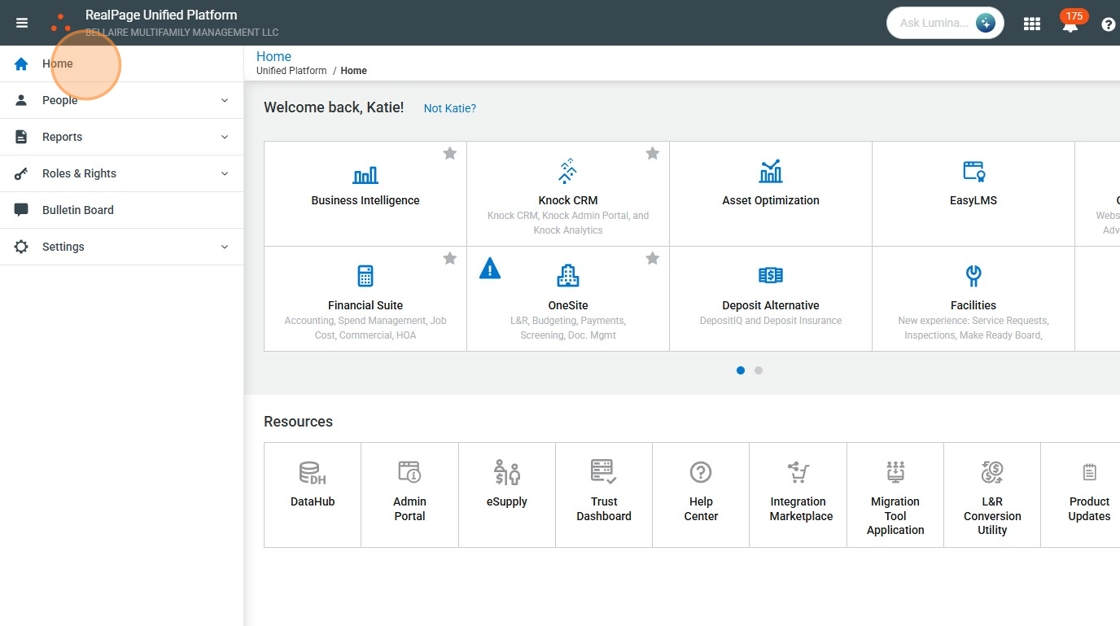
3. Click "Settings"

4. Click "Manage Settings"

5. Click the property you would like to adjust. Please note, each property has to be done separately.

6. Click Accounts Receivable.

7. Click "A/R Options"
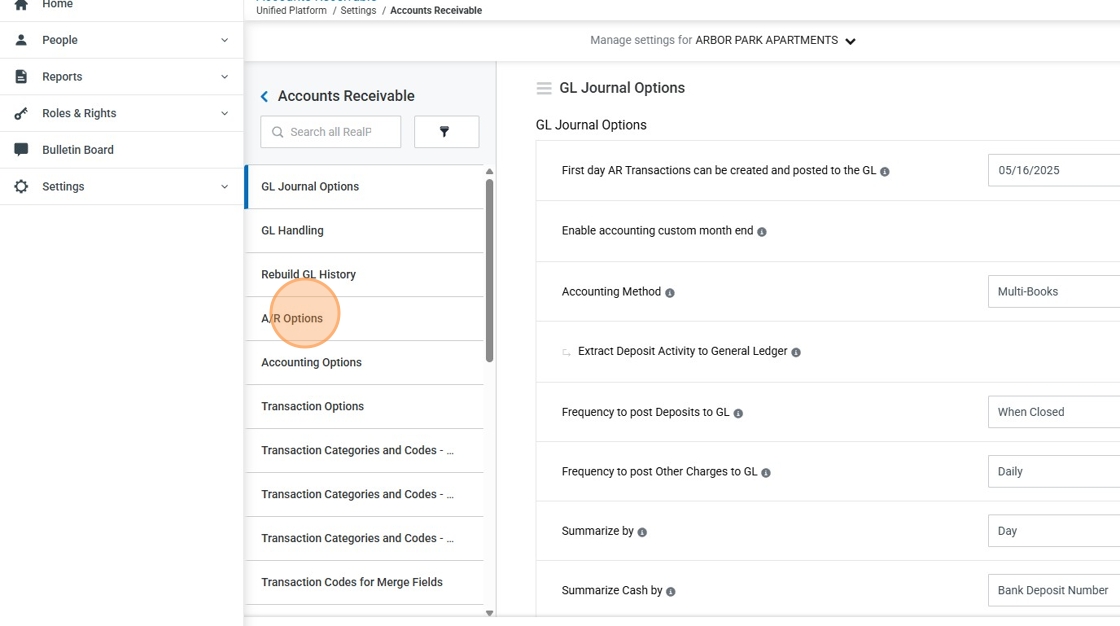
8. Click the "Search" field under the A/R Fiscal Periods. It is easiest to search by the year. In this case, I searched 2025 so I could adjust the 10/2025 accounting month end period.

9. Click here.

10. Click this icon, the pencil to edit the dates.

11. Click the "mm/dd/yyyy" field.
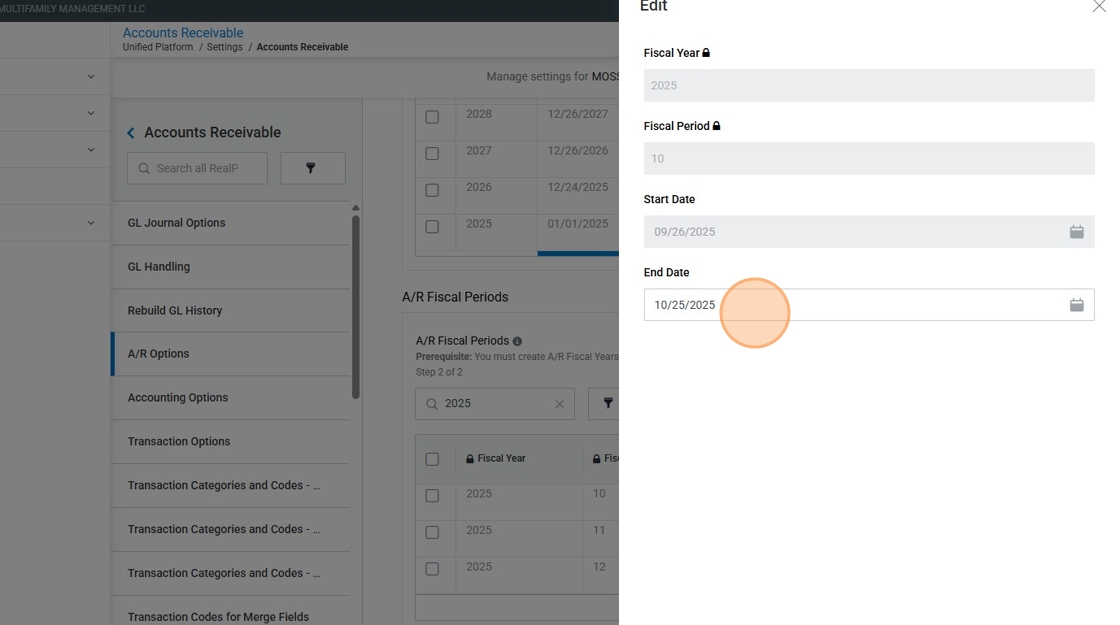
12. Change it to the date you would like month end to be completed.

13. Click "Save"

Was this article helpful?
That’s Great!
Thank you for your feedback
Sorry! We couldn't be helpful
Thank you for your feedback
Feedback sent
We appreciate your effort and will try to fix the article